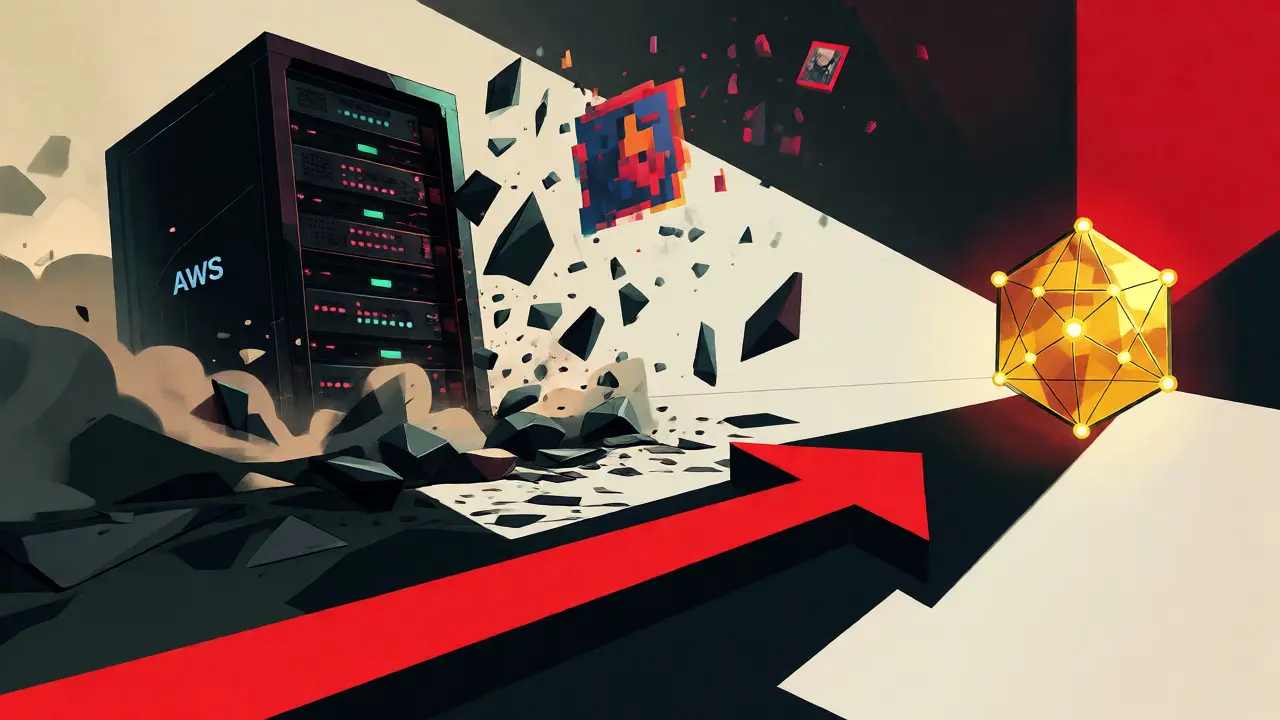
You minted an NFT. You paid the gas fees. You felt the rush of ownership. But here is a scary statistic: in 2021, nearly one-third of Ethereum NFTs suffered from "link rot," meaning their images or metadata simply vanished because the servers holding them went offline. If your digital art lives on a centralized server like AWS S3, you don't truly own it-you just have a receipt pointing to a file that can disappear.
This is where IPFS (InterPlanetary File System) enters the picture. It isn't just another cloud storage bucket; it's a peer-to-peer hypermedia protocol designed to make the web faster, safer, and more open. For NFT creators and collectors, understanding IPFS is no longer optional-it's essential for ensuring your assets survive long after the hype cycle fades.
Why Blockchains Can't Store Your JPEGs
Let's be real about blockchain limitations. Storing data directly on-chain is incredibly expensive. On Ethereum, storing just 1 MB of data can cost between $50 and $100, depending on network congestion. Now imagine trying to store a high-resolution PNG or a video clip there. The costs would be prohibitive for most projects.
Most NFTs use a hybrid model. The smart contract on the blockchain stores a small pointer-a text string-while the actual heavy lifting (the image, audio, or JSON metadata) happens off-chain. This is where IPFS shines. Unlike traditional HTTP, which asks "Where is this file?" (location-based), IPFS asks "What is this file?" (content-based). This shift in logic is what makes IPFS resilient against broken links.
The Magic of Content Addressing and CIDs
At the heart of IPFS lies the Content Identifier (CID). A CID is a unique cryptographic hash generated from the file's content itself. Think of it as a digital fingerprint. If you change even a single pixel in an image, the CID changes completely.
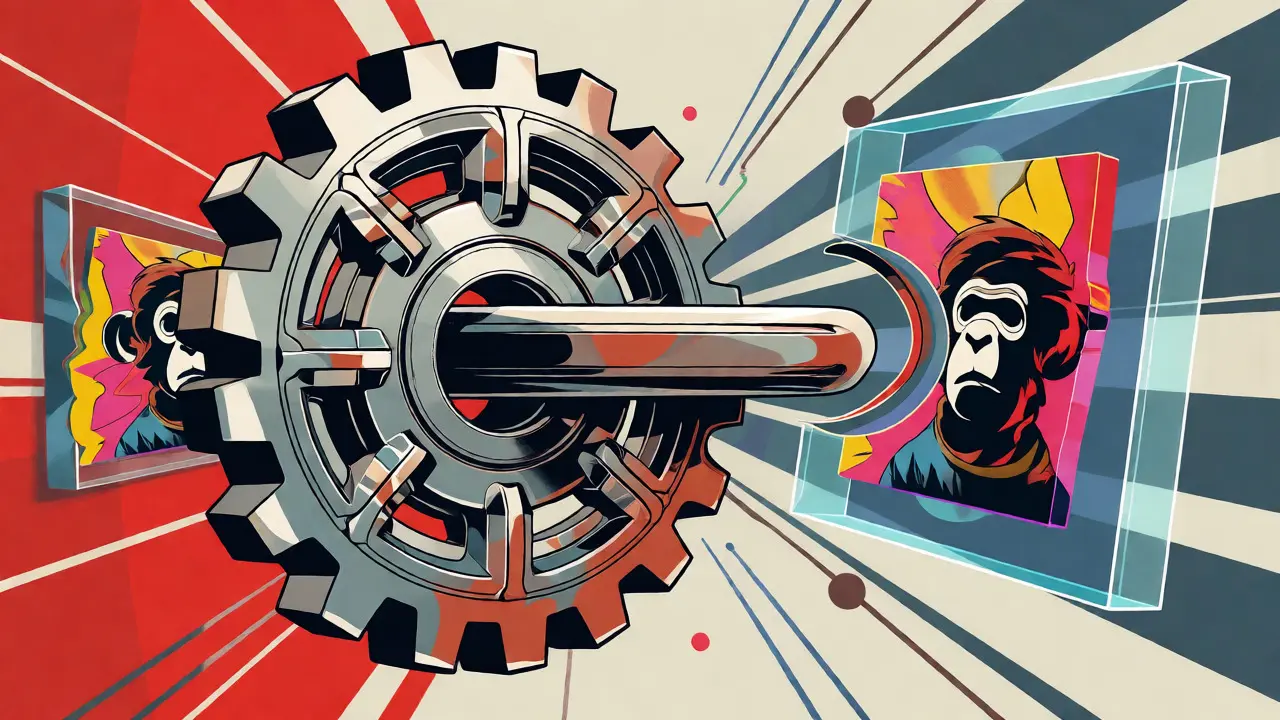
This creates verifiable integrity. When you see an IPFS URI starting with ipfs://Qm..., you know exactly what data you are getting. No middleman can swap your Bored Ape for a monkey without changing the address. This immutability is crucial for NFTs, where provenance and authenticity are everything. The current standard uses SHA-256 hashing, though newer versions support SHA3-256 for better security profiles.
Pinning: The Secret Sauce of Persistence
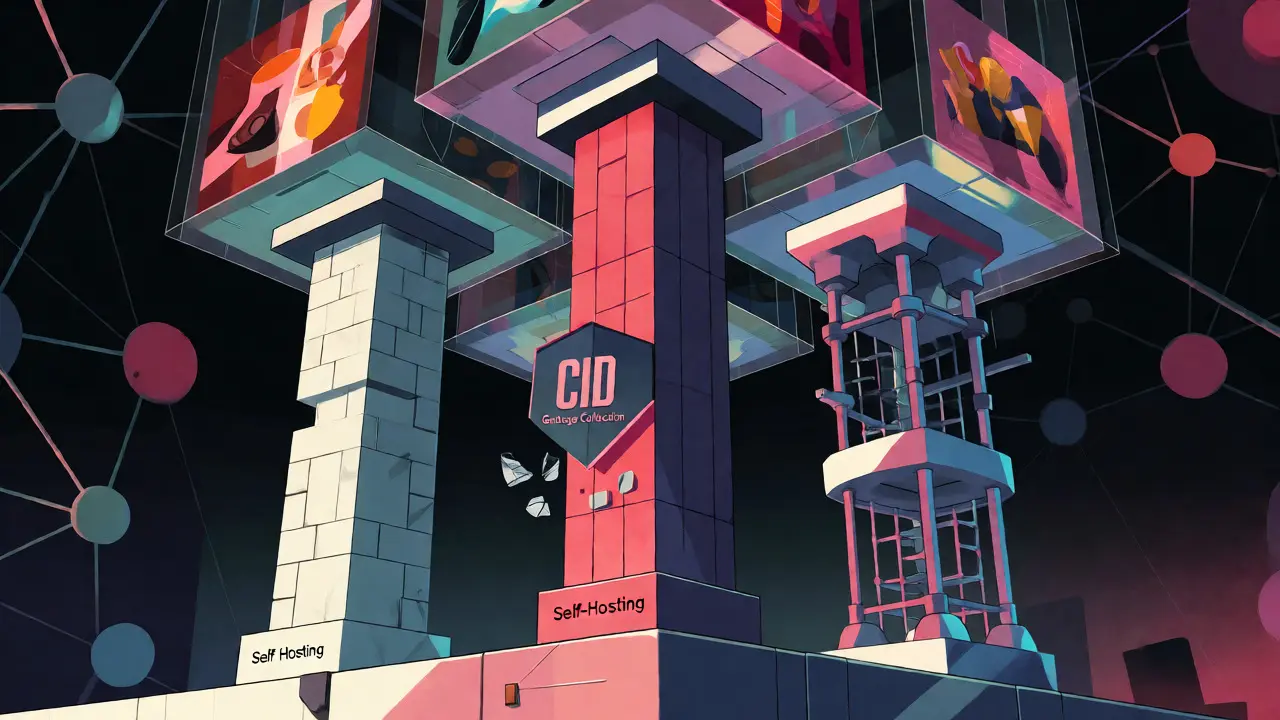
Here is the catch that trips up many beginners: IPFS does not guarantee permanent storage by default. It works like BitTorrent-if nodes stop caring about a file, they might delete it to save space. This process is called garbage collection.
To prevent your NFT from disappearing, you need to pin your content. Pinning tells specific nodes, "Keep this file forever." You have two main options:
- Self-Hosting: You run your own IPFS node. You control the hardware, but you also bear the maintenance burden and uptime risks.
- Pinning Services: Companies like Pinata, NFT.Storage, or Filebase act as guardians. They maintain clusters of nodes specifically to keep your pinned files accessible. As of late 2023, Pinata charges around $19/month for 1TB of storage, while NFT.Storage offers a generous free tier backed by the Internet Archive and Filecoin.
| Service | Cost Model | Key Feature | Best For |
|---|---|---|---|
| NFT.Storage | Free up to 5GB | Backed by Filecoin & Internet Archive | Startups & Low-Budget Projects |
| Pinata | Freemium / Paid Tiers | Robust API & Analytics | Developers & Large Collections |
| Filebase | Pay-as-you-go | S3-compatible interface | Teams familiar with AWS |
How Marketplaces View IPFS Links
Not all marketplaces treat IPFS links equally. Some, like OpenSea, rely heavily on public gateways (like dweb.link or ipfs.io) to display your media. If those gateways go down or get throttled, your beautiful artwork might show up as a blank box.
A study by Stanford University highlighted that NFTs using properly pinned IPFS had a 99.8% persistence rate over 18 months, compared to just 67.3% for those relying on centralized storage. However, experts warn against "gateway dependence." Security researcher Samczsun pointed out at EthCC 2022 that if everyone relies on Cloudflare’s IPFS gateway, we haven't actually decentralized anything-we've just moved the central point of failure.
The solution? Use dedicated gateways provided by your pinning service, or encourage users to install browser extensions like Brave or IPFS Companion, which fetch content directly from peers rather than through a centralized proxy.
Step-by-Step: From File to Mint
Ready to put this into practice? Here is the workflow used by successful collections like Bored Ape Yacht Club:
- Prepare Assets: Optimize your images (PNG/JPG) and write your JSON metadata files. Ensure every attribute matches the ERC-721 standard.
- Upload to IPFS: Use a tool like Pinata or the command-line interface (CLI) to upload your folder. You will receive a root CID for the directory and individual CIDs for each file.
- Verify the Link: Paste the CID into a public gateway URL (e.g.,
https://ipfs.io/ipfs/QmYourCIDHere). Check if the image loads correctly. - Mint the NFT: Pass the IPFS URI into your smart contract during the minting transaction. The blockchain now permanently records this pointer.
- Confirm Pinning: Log into your pinning service dashboard and ensure the status says "Pinned" or "Persisted." Never assume it is safe until verified.
The Risks: What Can Go Wrong?
IPFS isn't magic. It has flaws you must manage:
- No Native Privacy: Everything on IPFS is public by default. Anyone who knows the CID can access the file. Do not store sensitive personal data here unless encrypted.
- Latency Issues: Fetching large files from distant peers can be slow. Time-to-First-Byte (TTFB) usually ranges from 200ms to 500ms, but spikes during high traffic can cause timeouts.
- CID Version Conflicts: Older tools might generate v0 CIDs (starting with Qm), while newer ones use v1 (starting with bafy...). Mixing these can break compatibility with certain wallets or explorers.
Looking Ahead: Arweave vs. IPFS
Is IPFS the final word? Not necessarily. Competitors like Arweave offer a "pay once, store forever" model. While IPFS requires ongoing pinning payments or maintenance, Arweave calculates a one-time fee sufficient to cover storage for 200 years. For ultra-high-value art pieces, some collectors prefer Arweave's permanence guarantees.
However, IPFS still holds roughly 78% of the NFT storage market share due to its massive ecosystem integration. Major platforms like Polygon, Solana, and Tezos have native IPFS support. Unless a new technology solves the ease-of-use gap, IPFS remains the industry standard for good reason: it balances cost, flexibility, and decentralization better than any alternative right now.
Do I need to pay for IPFS storage?
Not strictly. Running your own node is free but requires technical skill and reliable internet. Most users opt for pinning services. NFT.Storage offers a free tier for smaller projects, while services like Pinata charge monthly fees based on storage volume and bandwidth usage.
What happens if my pinning service goes bankrupt?
If your primary pinning service fails, your content might become temporarily inaccessible if no other nodes have it cached. To mitigate this, always use multiple pinning services (redundancy) or download your raw files so you can re-pin them elsewhere quickly. Tools like NFT.Storage Checker can help monitor this risk.
Can I update my NFT metadata on IPFS?
Yes, but it's tricky. Because CIDs are immutable, updating a file generates a new CID. To handle updates, developers often use IPNS (InterPlanetary Name System), which creates a mutable pointer that points to the latest version of your content. However, many static NFT contracts do not support dynamic IPNS resolution, so plan your metadata carefully before minting.
Is IPFS content private?
No. IPFS is designed for public sharing. Any file uploaded to IPFS is publicly accessible via its CID. If you need privacy, you must encrypt the file locally before uploading it. The CID will remain public, but the content inside will be unreadable without the decryption key.
Why do some NFTs show "404 Error" on marketplaces?
This usually means the content was unpinned or the gateway used by the marketplace failed to retrieve it. Check the original CID directly via a different gateway (like dweb.link). If it loads there, the issue is likely with the marketplace's specific gateway cache. If it doesn't load anywhere, your content may have been garbage-collected due to lack of active pinning.
Comments
Caleb Lok
Oh please, spare me the "decentralization" fairy tale. 🙄 You people act like IPFS is some holy grail of permanence when in reality it's just a fragile mess held together by duct tape and hope. I've seen countless projects claim they're fully on-chain or decentralized only to realize they were relying on a single pinning service that could go bankrupt tomorrow. And don't get me started on the gas fees argument-people complain about $50 for 1MB but happily pay thousands for JPEGs that might vanish if a server in Virginia sneezes. It’s not innovation, it’s just moving the central point of failure from AWS to a handful of crypto-bros running nodes in their basements. We need actual solutions, not just buzzwords wrapped in a CID hash. 😒
October 17, 2026 at 18:27
Raman Tiwari
This is absolutely crucial information for anyone serious about NFT preservation! 🌟 The statistic about link rot really hits hard-it’s terrifying to think that nearly one-third of assets from 2021 have already suffered from broken links. That’s not just data loss; that’s cultural erasure happening right before our eyes.
I completely agree with the emphasis on content addressing. The idea that the file’s identity is tied to its content rather than its location is genuinely revolutionary. It changes the entire paradigm of how we interact with digital ownership. However, I do wonder about the long-term sustainability of self-hosting versus using services like Pinata. For someone like me who loves tinkering with tech, self-hosting sounds appealing, but the maintenance burden mentioned here is real.
The comparison table is super helpful, especially highlighting NFT.Storage’s free tier. As an artist starting out, budget constraints are very real, so knowing there’s a viable free option backed by Filecoin gives me hope. But what happens when those free tiers inevitably tighten up? Do we all rush to paid services simultaneously? It feels like we’re balancing on a tightrope between decentralization and convenience. Still, this guide makes me feel more confident about ensuring my work survives the hype cycle. Thank you for breaking down the technical aspects so clearly! 🙏✨
October 19, 2026 at 08:23
jackie hernandez
FINALLY someone says it!! 🇺🇸💪 We need American-made infrastructure for this stuff, not just some random nodes popping up wherever. If my art disappears because some server in Europe went offline, I’m gonna be PISSED. 😡 This article is spot on about the risks. No privacy?! That means everyone can see my files?! Not cool. Fix it now. Also, stop pretending Arweave is better. IPFS is the king. Deal with it. 👑🔥
October 20, 2026 at 17:48
Hailey Phillips
Hello everyone! I wanted to add a little note about the emotional side of losing access to your digital memories through broken links. It’s not just about the money; it’s about the connection to the moment you bought or created that piece. When a link rots, it feels like a small grief, doesn’t it? 💔
For those feeling overwhelmed by the technical jargon, remember that you don’t have to master everything at once. Start with a reliable pinning service, double-check your CIDs, and maybe join a community where you can share experiences. We’re all learning together. The Stanford study mentioned is truly encouraging-99.8% persistence is a goal worth striving for. Let’s support each other in making sure our digital heritage lasts. You’ve got this! 🌈🤗
October 20, 2026 at 23:20
Tonya Dowell
i read this and honestly i felt sick thinking about all my old nfts that probably dont load anymore... it hurts physically to think about that money gone... why did i trust the servers... i should have known better... ugh... 😩
October 22, 2026 at 14:24
Caleb Lok
@3148 Exactly. The pain is real, but let’s not blame ourselves too much. The industry was built on lies and half-baked promises. We were sold a dream of true ownership while the plumbing was made of cardboard. It’s frustrating, yeah, but understanding the mechanics (like IPFS vs HTTP) is the first step to not getting burned again. Stay strong, fam. 💀📉
October 24, 2026 at 01:19
Lucy Florence
but wait if the cid is based on content does that mean if i change the metadata json slightly it breaks the whole thing?? like does the image still show up if the attributes change?? seems weirdly fragile for something called permanent... also whats the deal with v0 vs v1 cids i keep seeing them mixed up in wallets and its annoying af... 🤔🧐
October 25, 2026 at 13:11
Andrew Ellison
Hi Lucy,
To answer your question briefly: Yes, changing the JSON metadata generates a new CID. Since the smart contract usually points to a specific CID, updating the file without updating the contract pointer (or using IPNS) will result in the marketplace showing the old version or nothing at all. Regarding v0 vs v1, most modern tools handle both, but older explorers might struggle with v1 (bafy...) hashes. It’s mostly a compatibility issue from the early days of IPFS adoption. Hope that clarifies things!
Best,
Andrew
October 26, 2026 at 17:30
dajuan garcia
Love the energy here! 🚀 Just want to highlight that redundancy is key. Don't put all your eggs in one basket. Use Pinata AND NFT.Storage if you can. It costs a bit more time upfront but saves massive headaches later. Keep building, everyone! 💪🔥
October 28, 2026 at 04:06