You request a public record under the Freedom of Information Act, and you get it. The agency sends a PDF. You read the text. It looks clean. But hidden inside that file is a digital fingerprint-metadata-that can reveal who wrote it, when it was edited, and even which internal server generated it. This isn't just technical trivia; it’s what experts call "a quiet leak." Even if the visible content is redacted or sanitized, the underlying data structure often tells a much more revealing story.
The Legal Reality: Metadata Is Part of the Record
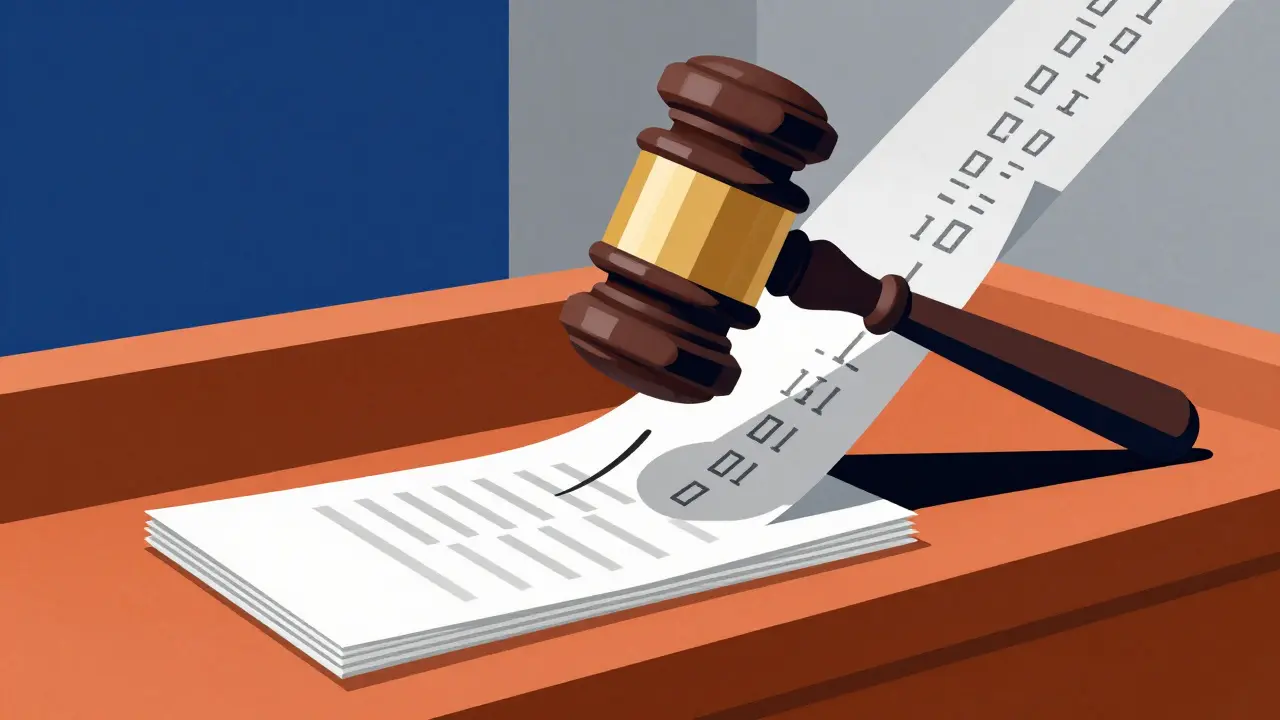
For years, government agencies treated PDF metadata as optional baggage. They would strip author names and creation dates before releasing documents, assuming they were protecting sensitive operational details. Then came a turning point in February 2011. A federal court in New York ruled that metadata is "presumptively producible" under FOIA. The judge didn't mince words: electronic records provided without their associated metadata were materially incomplete.
This ruling changed the game. Under FOIA's "readily producible" standard, agencies must provide records in the format requested if they can do so technically. The court rejected the argument that reviewing all metadata was too burdensome. Time and cost don't excuse withholding readily available data. While agencies can still redact specific sensitive elements on a case-by-case basis, they can no longer categorically withhold all metadata. If you ask for a native Excel file, you get the formulas and cell history. If you ask for a PDF, you should get its full metadata trail.
What Exactly Is Hidden in Your PDF?
Most people think a PDF is just a static image of a document. It’s not. Every PDF carries two parallel metadata stores. First, there’s the older Info dictionary, which holds basic fields like Author, Title, Subject, Keywords, Creator, Producer, CreationDate, and ModDate. Second, there’s the newer, often overlooked XMP metadata stream. This hidden layer contains richer data, including software version numbers, unique document IDs, and sometimes even GPS coordinates or camera serial numbers if images were embedded.
Here’s the problem: many naive cleaning tools only zap the Info dictionary. They leave the XMP stream intact. Or vice versa. When investigators analyze leaked government documents, they look at both. In one high-profile Department of Justice leak analysis, metadata revealed discrepancies between generic system accounts and individual user names. It showed embedded tracking codes linked to internal file management systems-breadcrumbs for tracing the leak’s origin. Timestamps exposed the sequence of edits, revealing who accessed the document and when.
Why This Matters for Transparency and Security
This creates a paradox. On one hand, metadata is essential for transparency. It proves authenticity. It establishes a chain of custody. If a whistleblower releases a document, metadata helps verify whether it’s genuine or forged. On the other hand, that same metadata exposes vulnerabilities. It can identify the specific computer used to generate the PDF, potentially compromising the source of a leak. It can reveal internal workflows, naming conventions, and software stacks that shouldn’t be public.
The Department of Justice’s Office of Information Policy acknowledged this tension. They introduced a uniform metadata "FOIA tag" system to help standardize how agencies post documents online. This improves discoverability for the public but also highlights the need for careful handling. Agencies are now implementing comprehensive protocols: automated scrubbing tools, access controls based on metadata tracking, and forensic monitoring to detect unauthorized dissemination. But these measures clash with FOIA obligations. Courts have consistently held that stripping metadata constitutes incomplete compliance. So agencies are stuck between providing complete records and maintaining security.
How to Clean Metadata Without Compromising the Document
If you’re a journalist, researcher, or citizen handling FOIA responses, you might want to inspect or clean metadata yourself. Maybe you received a document that still contains sensitive internal tags. Maybe you’re preparing to publish a dataset and want to ensure no accidental leaks occur. You need a tool that removes the hidden layers without altering the visible content.
Traditional desktop software like Adobe Acrobat Pro offers a "Remove Hidden Information" feature. It works, but it requires a subscription, installation, and trust that your files aren’t being uploaded to remote servers for processing. For many users, especially those dealing with confidential or sensitive materials, uploading a PDF to a third-party server is unacceptable. That’s where browser-based solutions come in.
A good approach is to use a client-side tool that processes everything locally. For example, Vaulternal's PDF metadata remover runs entirely in your browser using WebAssembly and JavaScript. The file never leaves your device. You can verify this by opening your browser’s network tab while the tool runs-you’ll see no outgoing requests carrying your document. This zero-knowledge architecture ensures privacy by design.
These tools typically offer dual modes: an inspector view to see exactly what’s hidden, and a removal mode to strip it. They target both the Info dictionary and the XMP stream simultaneously. Crucially, they preserve identical pixel output. No re-rasterization occurs. The cleaned PDF opens everywhere-browsers, archival viewers, legal filing systems-because only the metadata layer is rewritten, not the content streams.
Practical Steps for Handling FOIA Documents
When working with government-provided PDFs, follow these steps to manage metadata responsibly:
- Inspect first. Use a viewer that displays raw metadata. Look for Author, Creator, Producer, and Modification Date fields. Check for unexpected software signatures or internal identifiers.
- Decide what stays. Not all metadata is harmful. Creation dates and titles may be relevant for context. Focus on removing personal identifiers, internal system codes, and location data.
- Clean thoroughly. Ensure both the Info dictionary and XMP stream are addressed. Tools that only handle one will leave traces behind.
- Verify the result. Re-inspect the cleaned file. Confirm that sensitive fields are gone and that the visual content remains unchanged.
- Document your process. If you’re publishing or submitting the document legally, keep a record of what was removed. Some tools export a JSON log of deleted fields, which serves as proof-of-cleaning for compliance purposes.
The Ongoing Tension Between Access and Privacy
The metadata debate isn’t going away. As long as governments produce electronic records, those records will carry digital fingerprints. Courts prioritize transparency, ruling that metadata is integral to the record. Security teams prioritize protection, arguing that metadata reveals too much. The current framework tries to balance both: agencies must provide metadata but can redact specific elements. Requesters must explicitly ask for metadata in some jurisdictions, placing the burden on them rather than the agency.
This means vigilance is required from everyone involved. Journalists need to understand what they’re getting. Agencies need to implement consistent scrubbing protocols. And individuals need accessible tools to manage their own copies. The goal isn’t to eliminate metadata entirely-it’s to ensure it serves truth without sacrificing safety.
Is metadata considered part of a FOIA record?
Yes. Since a 2011 federal court ruling, metadata has been deemed "presumptively producible" under FOIA. Electronic records without metadata are considered materially incomplete. Agencies must provide it unless they can specifically justify redacting certain elements.
What kind of information is hidden in PDF metadata?
PDF metadata includes author names, creation and modification dates, software versions (Creator/Producer), unique document IDs, and sometimes internal system codes or tracking tags. Modern PDFs store this in two places: the Info dictionary and the XMP metadata stream.
Can I remove metadata from a PDF without uploading it?
Yes. Browser-based tools like Vaulternal's Metadata Remover process files locally using WebAssembly and JavaScript. The document never leaves your device, ensuring complete privacy. You can verify this by checking your browser’s network tab during processing.
Does removing metadata change how the PDF looks?
No. Proper metadata removal tools rewrite only the metadata layer (Info dictionary and XMP stream) without re-rasterizing or altering the content streams. The visual output remains pixel-identical, and the file opens normally in all standard readers.
Why do government agencies struggle with metadata?
Agencies face a conflict between transparency laws and security needs. FOIA requires releasing complete electronic records, including metadata. But metadata can reveal internal workflows, personnel identities, and system vulnerabilities. Agencies must balance providing access with preventing unintended disclosures.